FAQ
What should you decide first to keep the art style of AI-made game assets consistent?
 GameAIfy Team
 1 min
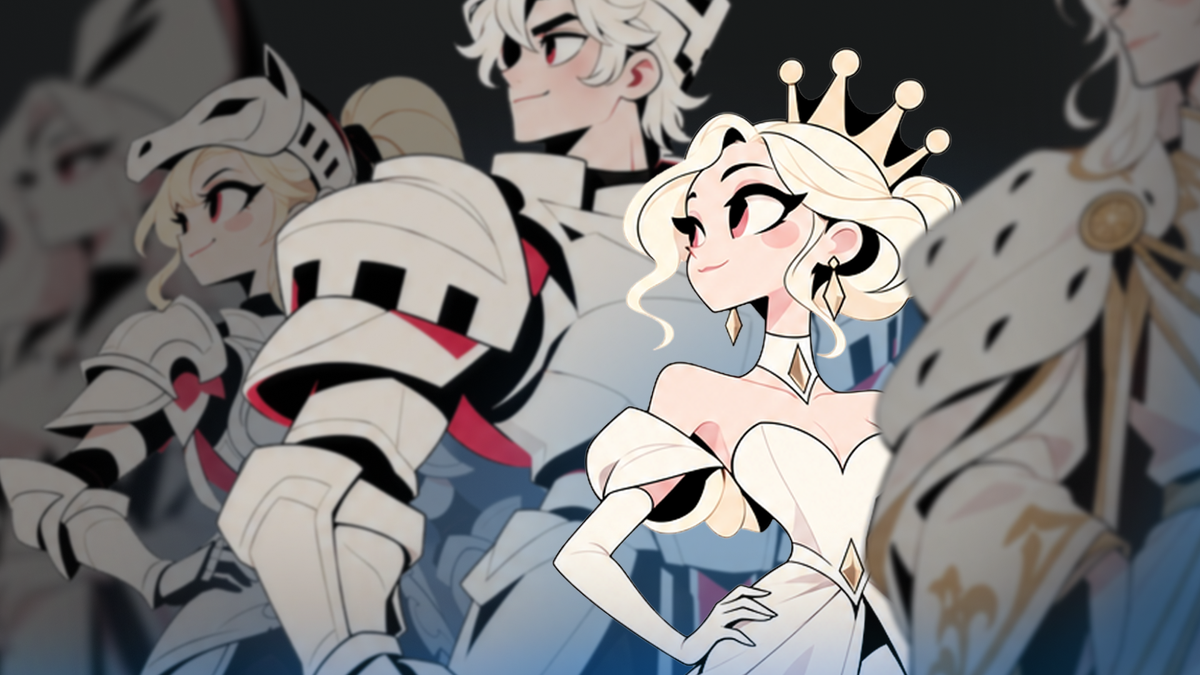
To make game assets in one art style, start by setting a Style Reference.
What should you decide first to keep the art style of AI-made game assets consistent?
GameAIfy Team1 minTo make game assets in one art style, start by setting a Style Reference.
What is a Style Reference?
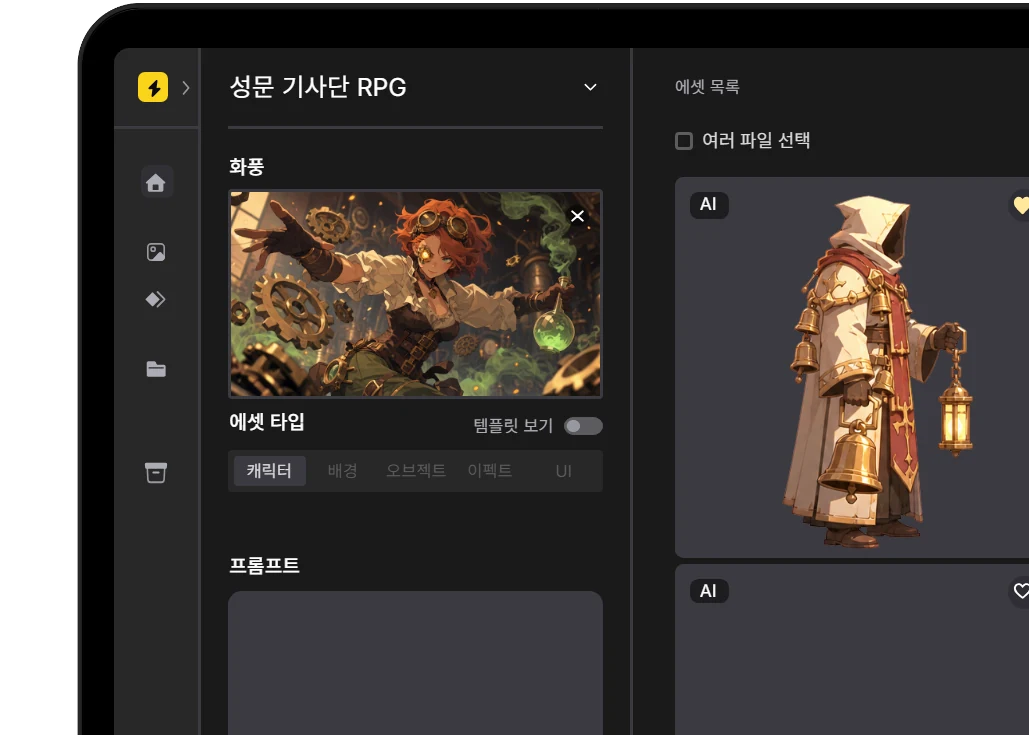
A Style Reference is an image that keeps the art style consistent across the game assets you make from now on.

How do I use it?
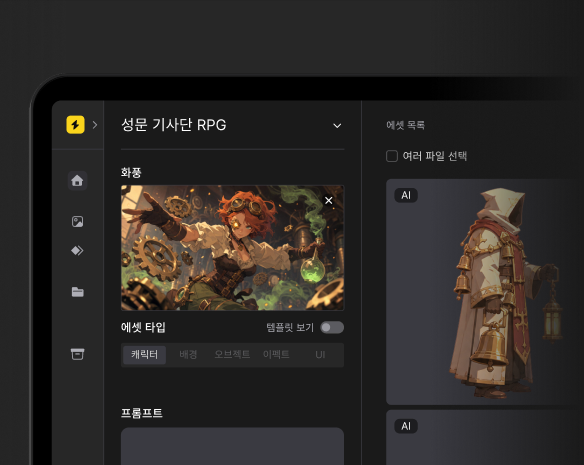
- Apply a Style Reference in the "Art Style" field on the left side of the Editor.
- Keep the art style as it is, and change only the asset type and the prompt to make characters, backgrounds, and objects.
What if there is no Style Reference you want?
You can make one yourself in two ways.
- If you are not sure which art style fits, start from a one-line game idea and pick from the examples.
- If you already have an art style image to reference, you can turn it into a Style Reference right away.
Things to check
- There is no regeneration feature for a Style Reference created from a one-line game idea once the result appears. To change it, click [Start over] and begin again.